
|
 10-21-2007, 06:23 PM
|
#1 |
|
Less Talk, More Rokk!

Posts: 3,555
 
|
How do you take screenshots off your computer?
Been wondering this for quite awhile since I see people posting screenshots of PM, and other things along the way, and wanted to know what is needed to do this.
The Optimists: Dave Youell Impact! The Optimist Alienoid06 Helmsphere |

|
|
10-21-2007, 07:14 PM
|
#2 |
|
Unnecessarily awesome

Posts: 8,323
|
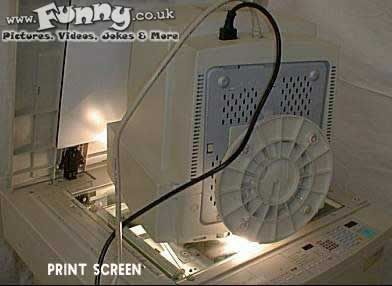
Press the Print Screen button and paste in Paint.
|
|
|
|
10-21-2007, 10:34 PM
|
#3 |
|
The Classic Dylan Staples

Posts: 51,534

|
printscreem
|
|
|
|
10-22-2007, 05:46 PM
|
#4 |
|
Spammy Certified

Posts: 46,132
|
First you press the "Print Screen" button and then you have to paste in "Paint".
|
|
|
|
10-24-2007, 01:46 PM
|
#5 |
|
He's Here

Posts: 60,735
|
|
|
|
|
11-08-2007, 04:12 AM
|
#6 |
|
Less Talk, More Rokk!
Posts: 3,555
|
once again, thanks for helping me with this.
|
|
|


 Linear Mode

